The information provided in the Aquifer Attributes window is adequate to run a model, provided that boundary conditions are provided around the perimeter of the model. As previously mentioned, for the initial, basic model such as we have so far, the boundary conditions are assumed to be no flow. Any sub-model or child of the parent model (the one we are working with now) will assume fixed hydraulic head boundary conditions that correspond to the computed head values obtained using the parent model along the child model boundary (see subsection 5.1). The head values that are calculated to be higher than the land surface are assumed to be seepage locations in the model. For the case of a steady-state (time independent) model we have specified above the minimum amount of information needed for simulation (solution of the groundwater flow equations).
To simulate the behavior of the above-defined mode, we simply press the SIMULATE button which is revealed by clicking on the Simulation Tools button visible in Figure 15. The result of this action is presented in Figure 16. You must now use the information you provided earlier when you signed up to fill in this window. Once this is successfully completed, you click Login and a confirmation prompt will appear (Figure 17).
A message regarding resetting the model and another the projection system to be used for simulation and mapping will appear next (Figure 18). You click OK to each to proceed. Then your submission for simulation begins. At the top of the window you will see the progress of your simulation. One such message is shown in Figure 19.
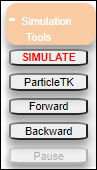
Figure 15: Accessing the SIMULATE button.
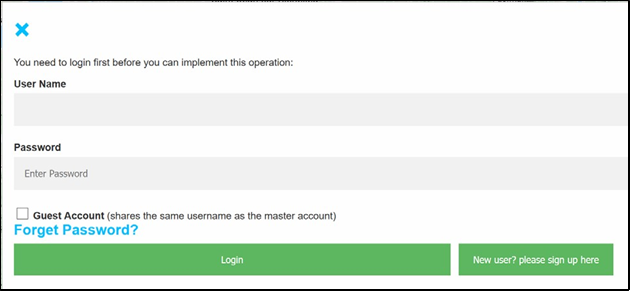
Figure 16: Login for running the model.
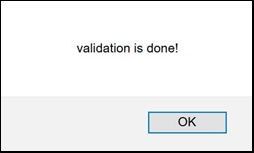
Figure 17: Information window confirming validation complete.
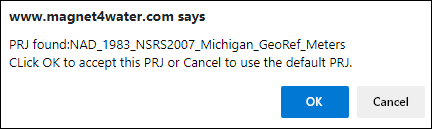
Figure 18: Prompt regarding projection system to be used during simulation and mapping. Click ‘OK’ to proceed.

Figure 19: Information window indicating model is running on server, with other updates.