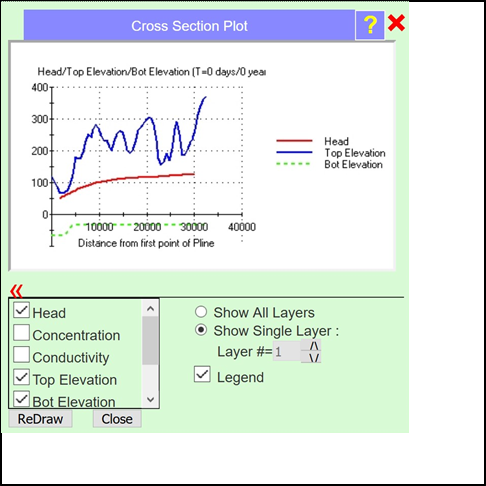
Figure A1: Cross-section showing top elevation, bottom elevation and computed head.
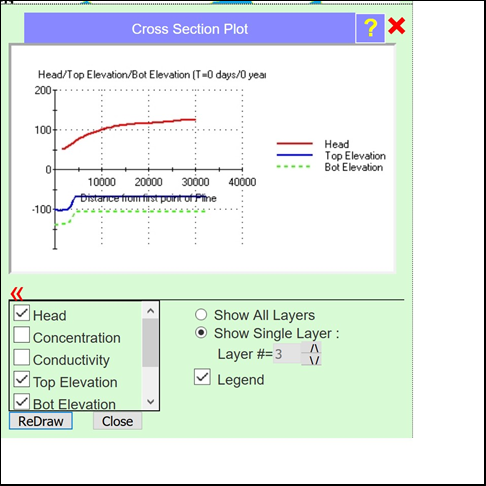
Figure A2: Top elevation, bottom elevation and computed head value for Layer 3.
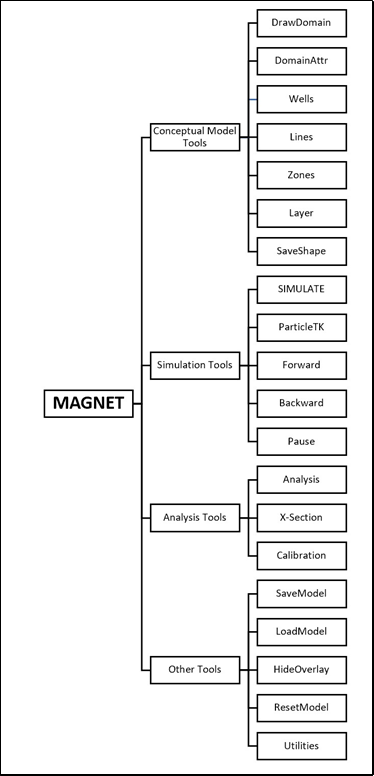
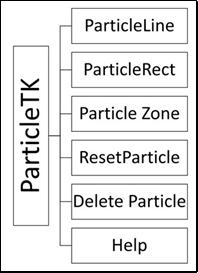
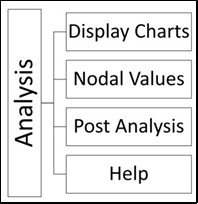
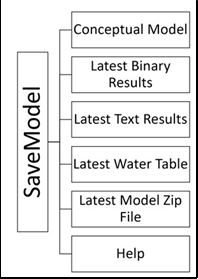
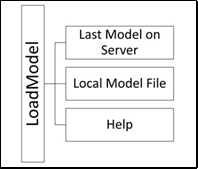
Figure A3: Multiple level representation of button contents of MAGNET
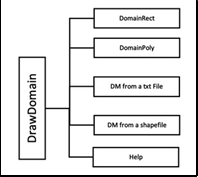
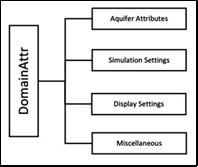
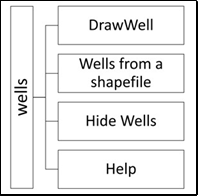
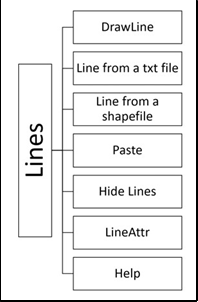
Figure 98:
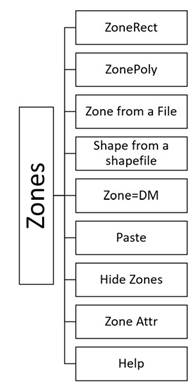
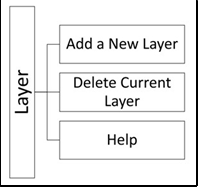
Figure 99:
[1] The data network page on magnet4water.com gives a current listing with details of all big-data inputs offered on MAGNET.
[i] George Pinder is not affiliated with nor receives compensation from the creator and distributor of the MAGNET software. The sole motivation for preparation of this documentation is the need to provide an introduction to the MAGNET software for educational purposes.